toca.la started as a personal frustration. When I’m writing lyrics I need to hear the beat
— on repeat — but not the whole song. I want just the part I’m writing to,
so I can stay in the zone without scrubbing the beat back to a certain point.
I’ve had this idea brewing for some time now, and I’m proud to finally have a solution —
not just for myself, but for other songwriters as well.
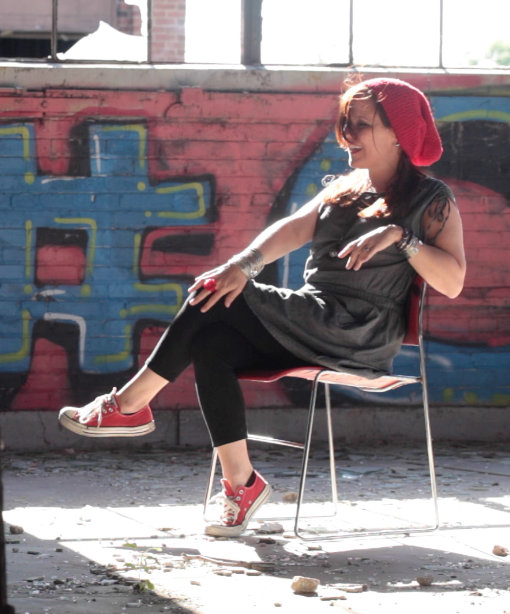
— Lady Daisey
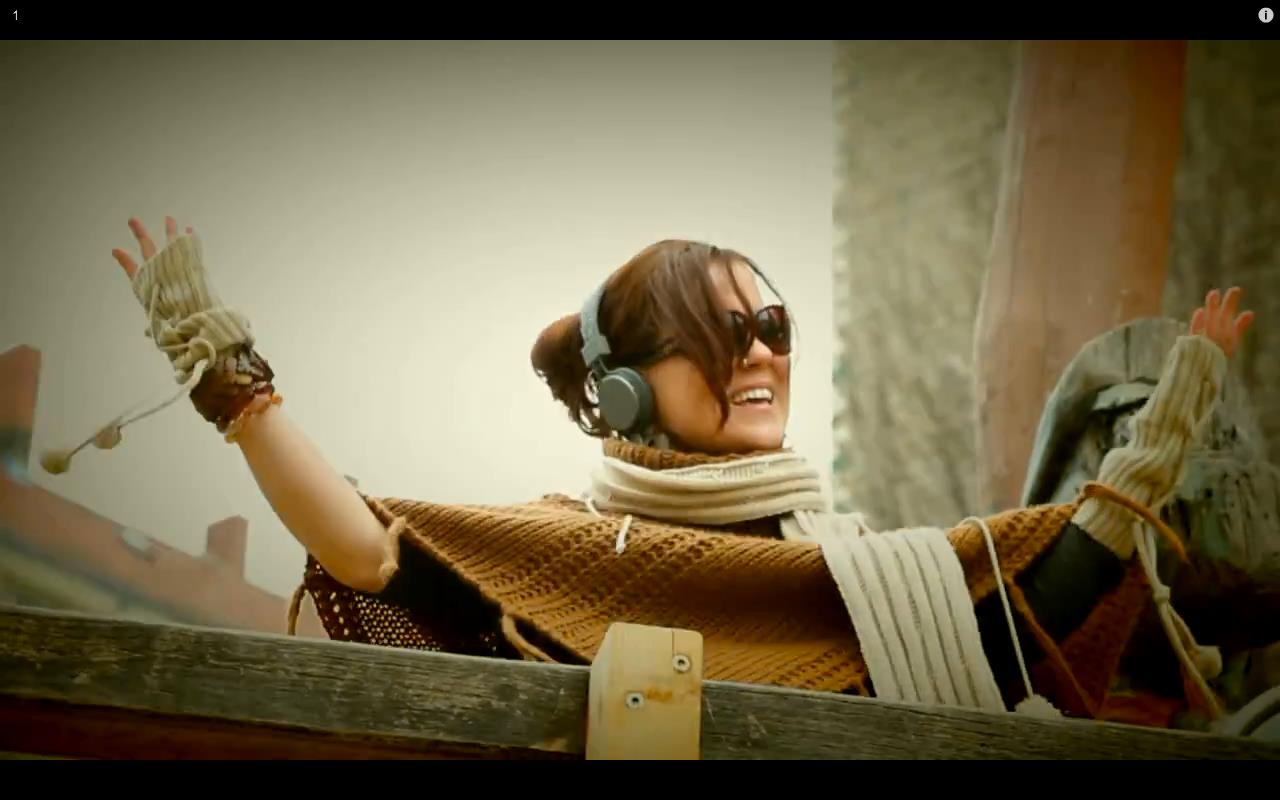
daisey-hero.jpg drops in here
me, doing the thing
— 1 —
Where it startedThe beat was great. The words were everywhere.
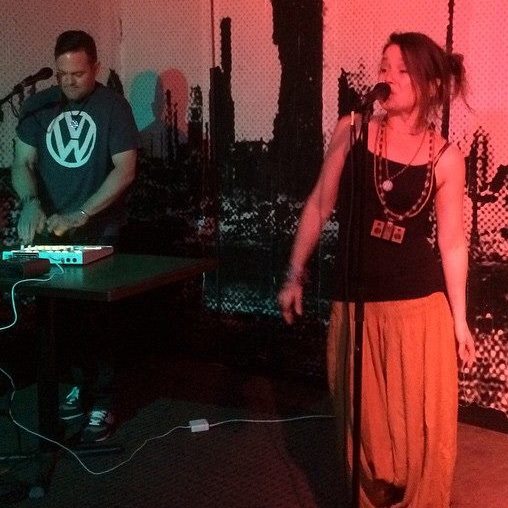
daisey-batsauce.jpg
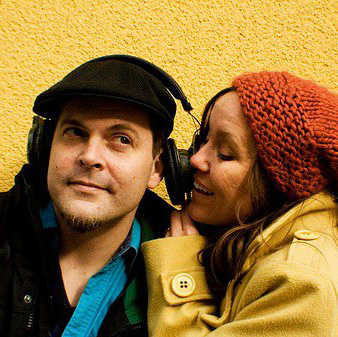
me & Bats, on the road
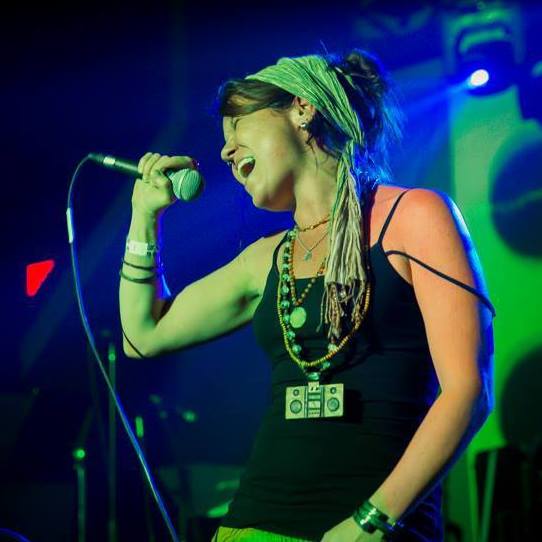
daisey-mic.jpg
the part that makes it worth it
I’ve been writing songs for decades. I work the way most independent artists do — a producer
sends me a beat, I load it into my headphones, and I write. The process is mostly in my head,
with whatever’s in front of me: a phone, a notebook, a napkin.
The problem is that a beat isn’t just sound — it’s structure. There’s an intro,
a verse, a chorus, a bridge. The song has a shape. But every tool I used treated it like a flat
audio file. I was constantly scrubbing, trying to find where the hook dropped. My lyrics were
spread across three apps. Notes from last Tuesday were labelled
voice memo 47.
One night I sat down and thought: there should be a tool that knows the song the way I know
the song. Something that lives at the intersection of the beat and the blank page. Something
built for writers, not engineers.
I didn’t want Logic, Pro Tools, Ableton. I didn’t want a notepad.
I wanted the tool that should have existed already — one that
knows where the chorus lives.
So… I built it.
toca.la started as a personal tool — just something to make my own writing sessions less
chaotic. Then I showed it to a few other writers, and the reaction was immediate. They knew the
problem. They’d all been there.
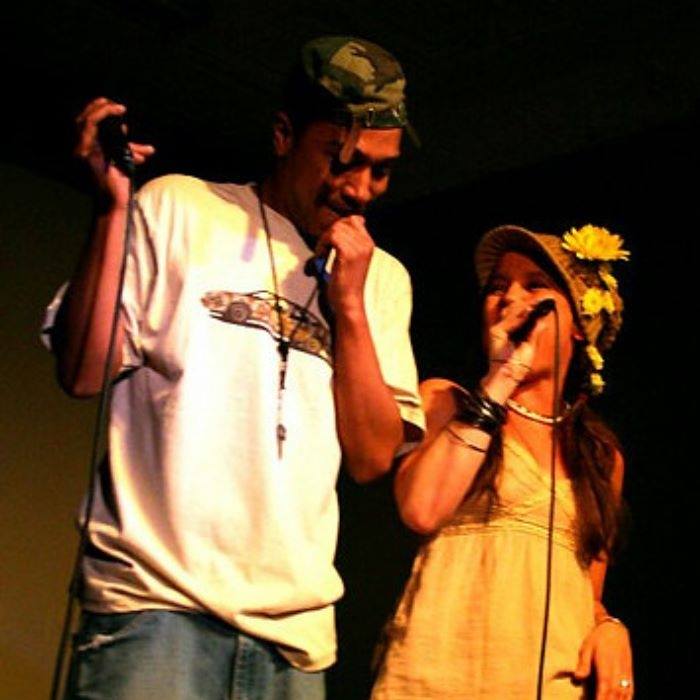
I’m Daisey, a soul/funk artist. I’ve put out albums,
toured the world, and my producer Batsauce and I have been
married 20+ years. toca.la is my attempt to give every songwriter — from bedroom writers to
touring artists — the environment their process deserves.
soul-strut.jpg
Soul Strut
— 2 —
Who it’s forAnyone who writes to a beat.
toca.la isn’t for one genre or one type of writer. It’s for anyone who has an audio file
and writes on top of it — a rapper, a pop vocalist, an R&B singer, a singer-songwriter,
a voice actor writing to a soundtrack, a co-writer working remotely.
If you’ve ever lost a lyric between your notes app and your audio player,
toca.la was made for you.
cancel any time — hit the ★ in the studio header
— 4 —
Frequently askedQuestions about the tool.
Is toca.la free?
Yes — the core studio is free for every songwriter. No account required. Your audio never leaves your device. Pro adds save, cloud sync, export and share. See the plans.
Does my audio get uploaded to a server?
No. Your audio file never leaves your device. toca.la processes everything in your browser using the Web Audio API. Your beats stay yours.
What audio formats are supported?
MP3, WAV, AAC, M4A, FLAC, OGG — anything your browser can decode, which covers everything you’re likely to get from a producer.
How does toca.la detect BPM and key?
Automatically — the moment you load a track, toca.la analyses the audio and shows the detected BPM and key on the Song Map. You can edit the BPM by hand (tap the BPM pill); it saves with the session.
What does the bar/beats display do?
With BPM set, the timeline shows bar numbers and section cards show length in bars. Edit a section’s length by bars and the divider updates automatically.
What are cues?
Cues are jump points inside a section. Move the playhead and tap “+ cue” on the section card to add one, then jump straight there anytime. The active cue lights up as the track plays.
What is pre-roll?
Pre-roll is a lead-in before a section (off, 1 bar, or 2 bars). It applies to Loop and Record — when you hit REC, the beat counts you in.
How does recording work?
Hit REC on any section in the Write tab; the beat plays with pre-roll and your mic is recorded. Takes are saved as waveforms and you can keep several per section. They save with the session. Needs a microphone and HTTPS (or localhost).
Are my vocal takes saved?
Yes. When you save a session (Pro), your recorded takes are stored locally with it. Reopen the session and they load back. Deleting a session also removes its takes.
Does undo work everywhere?
Undo/redo (⌘Z / ⌘⇧Z, or the header buttons) covers structural changes: add and delete sections, move dividers, edit bar lengths. Lyrics and cues aren’t undoable — they save as you type.
I shared a session but the audio didn’t transfer. Why?
Audio isn’t in the link. Structure, lyrics, colours, cues, BPM and pre-roll all transfer — the other device just re-uploads the same audio file to unlock playback.
Will my sessions disappear if I clear my browser?
Free: sessions live in your browser, so clearing data removes them. Pro: sessions sync to the cloud and are available on any device. Use Share to back up anything you care about.
Can I cancel my Pro subscription?
Yes — any time. Click the ★ in the studio header and choose “manage subscription” to open your billing portal. Cancel, change plans, or update payment there.
Can I use toca.la on my phone?
Yes. The app is responsive and mobile-friendly, and Rehearse view is built for big text and movement. Recording on mobile requires HTTPS.
Can I collaborate with another writer in real time?
Not yet. You can share sessions via link or QR and work back and forth asynchronously.
What’s the difference between toca.la and a DAW?
A DAW (Logic, Pro Tools, Ableton) is for making the beat. toca.la is for writing to the beat. They’re complementary: your producer exports from their DAW, you write in toca.la.
I have a feature idea or found a bug — how do I tell you?